0 (0 Ratings)
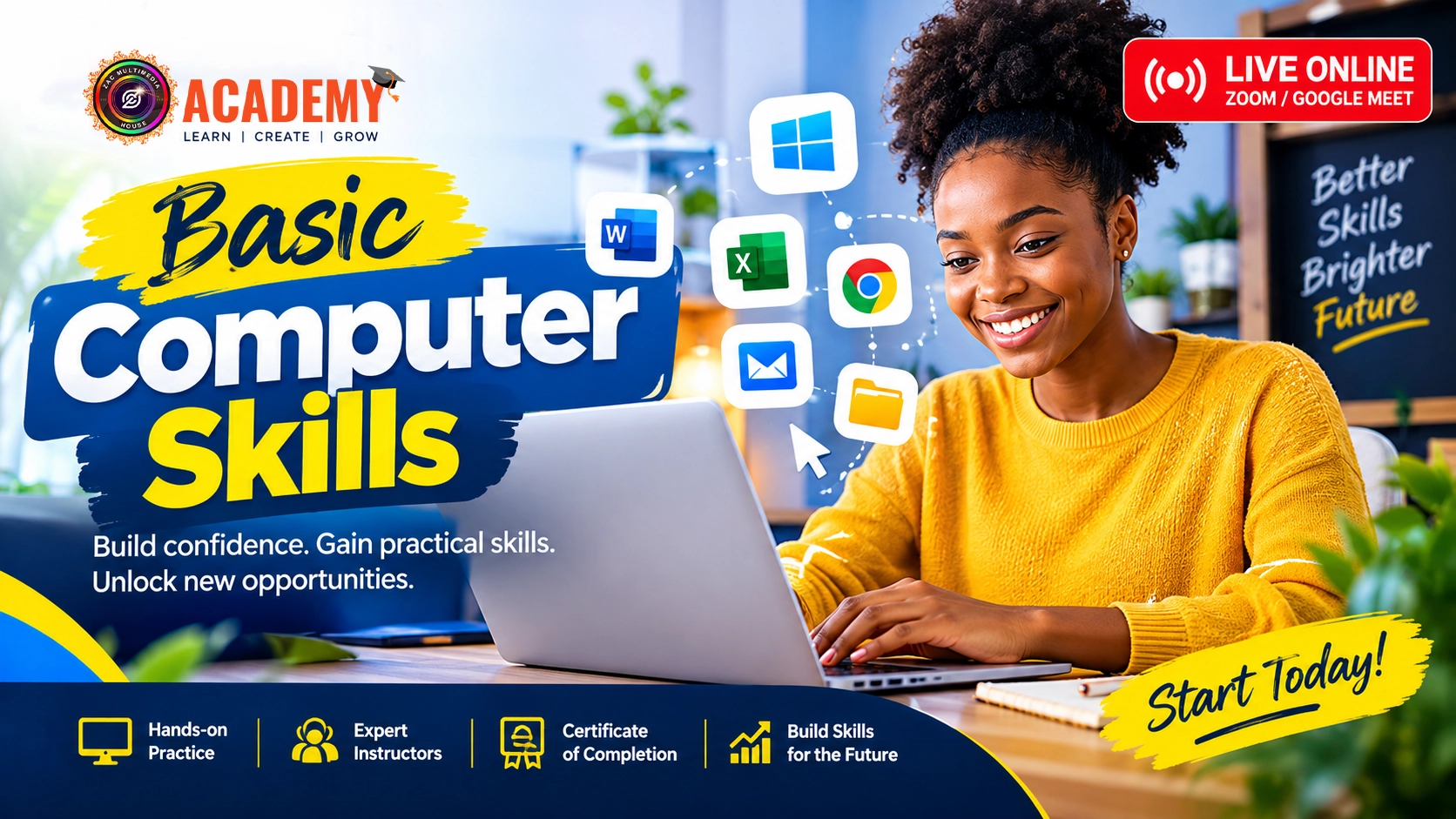
BASIC COMPUTER SKILLS
What I will learn?
- By the end of this course, students should be able to:
- Understand the basic components of a computer
- Start, shut down and properly operate a computer
- Navigate Windows and the desktop environment
- Use a mouse and keyboard confidently
- Create, save, rename, copy, move and delete files
- Organise files using folders
- Install and manage basic applications
- Type and edit simple documents
- Use basic keyboard shortcuts
- Browse the internet effectively
- Perform online searches
- Create and use an email account
- Send, receive and manage emails
- Download and upload files
- Use basic cloud-storage services
- Recognise common online safety risks
- Apply basic digital-security practices
- Use a computer for everyday work and learning
Course Curriculum
Introduction to Computers
Lesson 1: Understanding Computers
Lesson 2: Computer Hardware & Components
Practical Activity
Students identify the major components of a computer and explain their functions.
-
Lesson 1: Understanding Computers
-
Lesson 2: Computer Hardware & Components
-
Practical Activity
-
Assignment
Using the Computer
-
Lesson 3: Starting and Navigating a Computer
-
Lesson 4: Mouse & Keyboard Skills
-
Practical Activity
-
Assignment
Files & Folders
-
Lesson 5: Understanding Files and Folders
-
Lesson 6: Managing Files
-
Practical Activity
-
Assignment
Documents & Everyday Productivity
-
Lesson 7: Creating Basic Documents
-
Lesson 8: Practical Computer Productivity
-
Practical Activity
-
Assignment
Internet & Online Skills
-
Lesson 9: Introduction to the Internet
-
Lesson 10: Downloading, Uploading & Online Services
-
Practical Activity
Email & Digital Communication
-
Lesson 11: Understanding Email
-
Lesson 12: Sending Professional Emails
-
Assignment
Digital Safety
-
Lesson 13: Staying Safe Online
-
Lesson 14: Safe Computer Practices
Final Practical Project
-
Lesson 15: Computer Skills Practical Assessment
-
Lesson 16: Review & Final Assessment
-
Final Assignment
Student Ratings & Reviews
No Review Yet

₦170.00
₦300.00
-
LevelJSS 1/Grades 7
-
Total Enrolled1
-
Duration96 hours
-
Last UpdatedOctober 18, 2026
Hi, Welcome back!
A course by
A
Material Includes
- Students will receive/access:
- Instructor-led live online lessons
- Practical demonstrations
- Course notes
- Practice exercises
- Downloadable learning resources
- Assignments
- Quizzes/assessments
- Practical activities
- Access to relevant course attachments
- Certificate of Completion upon meeting the course requirements
Requirements
- Students should have:
- Access to a computer or laptop for practical exercises
- Basic ability to read and understand English
- A stable internet connection
- An active email address
- Willingness to practice between live sessions
- No previous computer experience is required.
Target Audience
- This course is suitable for:
- Complete computer beginners
- Students
- Job seekers
- Entrepreneurs and small-business owners
- Adults who want to improve their digital skills
- People returning to education or the workplace
- Anyone who wants greater confidence using a computer
- Individuals who need basic computer skills for work or school